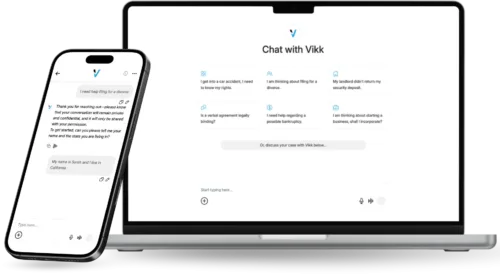
Cross-Platform Access:Vikk AI on Web, iOS, and Android
Legal questions do not wait until you are at a desk. They come up at a job site, in a meeting, while signing a lease at a property management office, during a layover at an airport, or at 11pm when you finally open the landlord's certified letter. Vikk AI is designed to be available in all of those moments, on whatever device happens to be in your hand, with your conversation history and uploaded documents already there.
Three Platforms, One Product
Web app
Best for deep-dive sessions. Uploading long contracts, reviewing detailed analyses, drafting and editing documents, working side-by-side with the file you are negotiating. The web app runs in any modern browser, so you can use Vikk AI on a work computer without installing anything.
iOS app
Full feature parity with the web app, optimized for iPhone and iPad. Voice input works naturally, document uploads support both the Files app and direct camera scans (so you can photograph a paper contract and upload it), and everything syncs with your other devices automatically.
Android app
Same feature set for Android phones and tablets. Strong voice support via Google's speech recognition, native document handling for Android's file ecosystem, and cross-device sync.
What 'Sync' Actually Means
Every conversation, every uploaded document, every generated letter, and every draft is stored in your Vikk AI account and accessible from any device you log into. Start a conversation on your desktop while reading a lease. Continue it on your phone during your commute. Open the same conversation on your tablet at the property management office to show the landlord the exact clause Vikk AI flagged. Sync is automatic and bidirectional.
- Conversations:
- Uploaded documents:
- Generated documents:
- Account settings:
- Subscription status:
- Draft-in-progress typing across devices simultaneously
Use Cases by Device
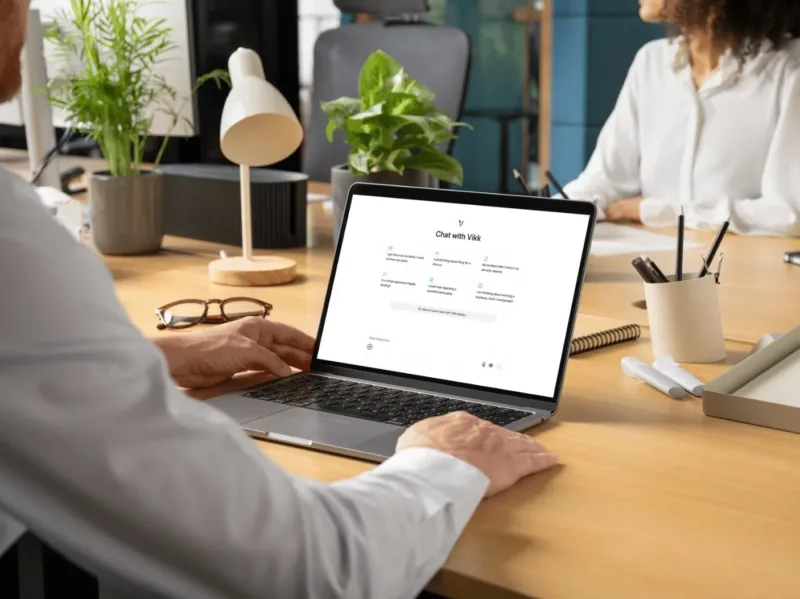
Desktop primary, mobile for reference
A small-business owner does most of her contract review on her laptop, where she can read long documents and type detailed negotiation questions. She uses her phone for quick follow-up questions when she is away from her desk.
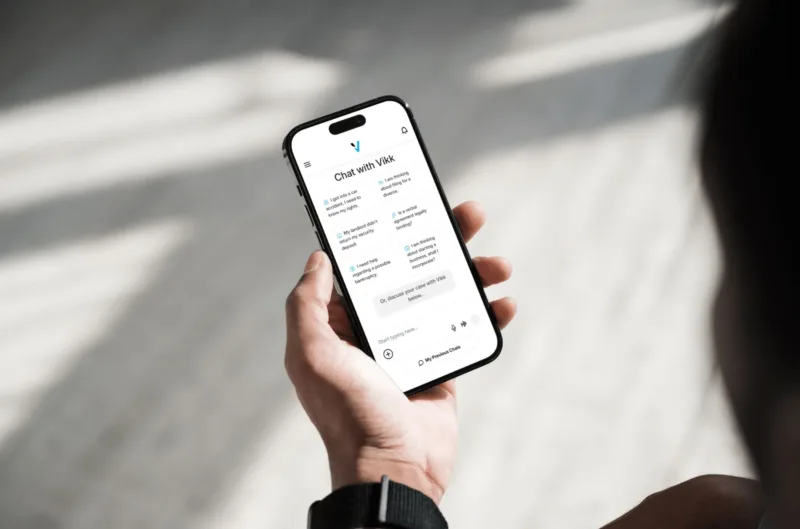
Mobile primary, desktop for exports
A renter handles most of her landlord communication on her phone, including photographing documents and uploading them via the iOS app. She opens the web app on her laptop only when she needs to print the final demand letter for certified mail.

Fully mobile
A delivery driver does every legal interaction on his phone, including a full employment offer review during his lunch break. He never touches a desktop.

Voice-first
A contractor in his fifties who is not comfortable typing uses voice input on his phone for every conversation. He dictates questions, listens to answers, and has Vikk AI read documents aloud when he wants them reviewed.

Accessibility scenarios
For users with mobility or visual impairments, cross-platform accessibility is especially important. Vikk AI's mobile apps support standard iOS and Android accessibility features (VoiceOver, TalkBack, Dynamic Type, high-contrast modes), and voice-first workflows are fully supported.
Installation
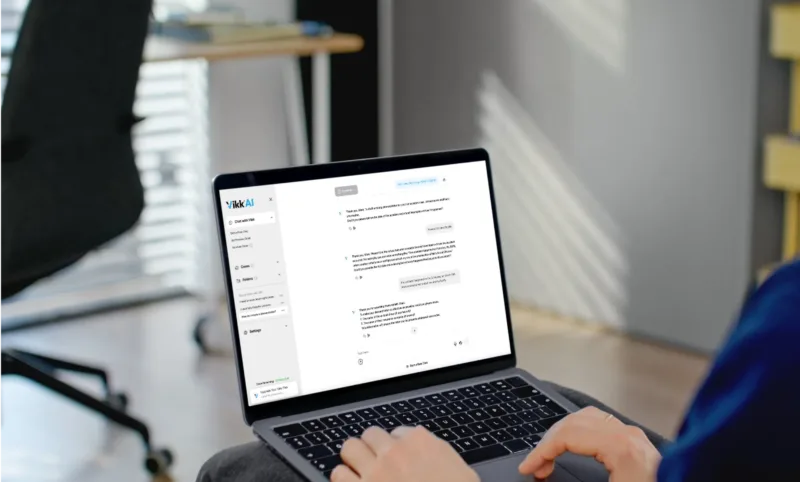
Web
Go to vikk.ai and sign in. Works in Chrome, Safari, Firefox, Edge, and other modern browsers. Nothing to install.
Single sign-in across all three
Use the same account credentials across web, iOS, and Android. First time you sign in on a new device, you may be asked to verify via email. After that, everything syncs automatically.
Frequently Asked Questions
-
Are the mobile apps as capable as the web app?
Yes. Feature parity is a core design principle. Everything you can do on the web app (conversations, document upload, document generation, Strategy Mode, export, Connect With a Legal Pro) is available on iOS and Android.
-
Can I use Vikk AI offline?
Vikk AI requires an internet connection to run legal analyses. Some cached information (past conversations, downloaded documents) may be viewable offline, but generating new responses requires connectivity.
-
What happens if I lose my phone?
Your account and all your conversations are stored on Vikk AI servers, not locally on the phone. Log in on a new device with the same credentials and everything is there. Enable biometric unlock and remote device management for additional security.
-
Does using Vikk AI on multiple devices count as multiple users?
No. One user can use Vikk AI on as many devices as they want with a single account. Business and Enterprise plans use seat-based pricing, where a seat is a user, not a device.
-
Are there plans for other platforms (Mac apps, Linux, etc.)?
The web app runs on all platforms including Mac and Linux. Native desktop apps for Windows and Mac are on the roadmap but not currently available. For now, the web app is the desktop experience.
-
How much storage do the mobile apps use?
The base apps are small (under 100 MB). Storage use increases as you upload documents and conversations accumulate, but most content is stored in the cloud rather than on-device.
Download Vikk AI on the device you already have in your hand. Start free.
Are you a Lawyer? Connect with our Users!