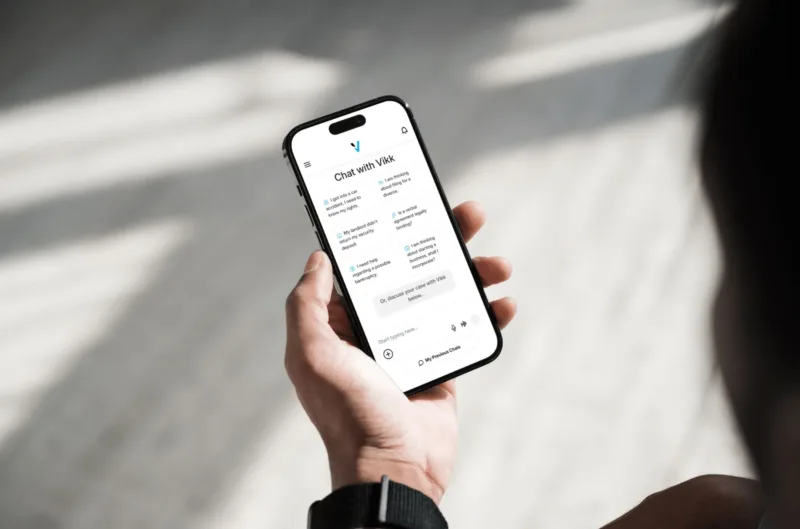
Vikk AI Features:The Complete Feature Set of a Purpose-Built Legal AI
Vikk AI combines the speed of modern AI with the precision that legal work actually requires, engineered from the ground up to be your first line of legal thinking. This page walks through every feature in the product: what it does, who uses it most, and how it fits with the rest. The features work together in a single conversation rather than as separate tools, so you do not have to jump between apps or start new sessions to move from a question to a document analysis to a drafted letter.
Read this as a complete feature map if you are evaluating Vikk AI, or jump directly to the individual feature pages linked below for deep dives on each capability.
Learn More








Core Features
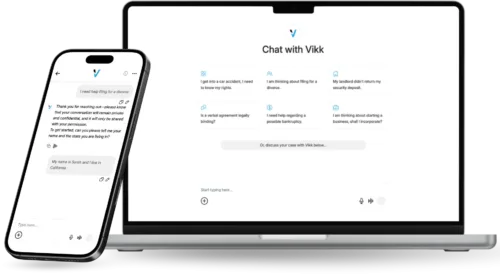
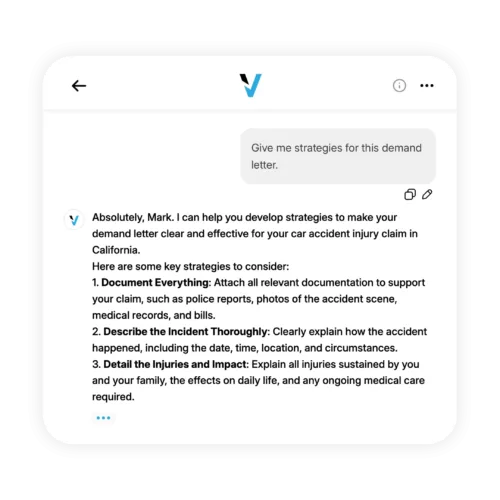
Conversational legal help trained across all major U.S. practice areas. Ask questions in plain English, get answers grounded in real statutes and case law, cited so you can verify.
Every answer is filtered through your specific state's laws. A non-compete question in California produces different guidance than the same question in Florida because the underlying law is different, and Vikk AI gets that right automatically.
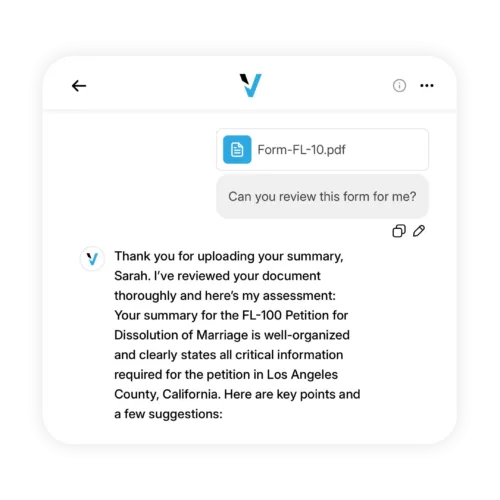
Upload PDFs, DOCX files, or pasted text up to 300,000 words. Vikk AI performs a clause-by-clause review, flags risks, identifies missing protections, and drafts specific negotiation language.
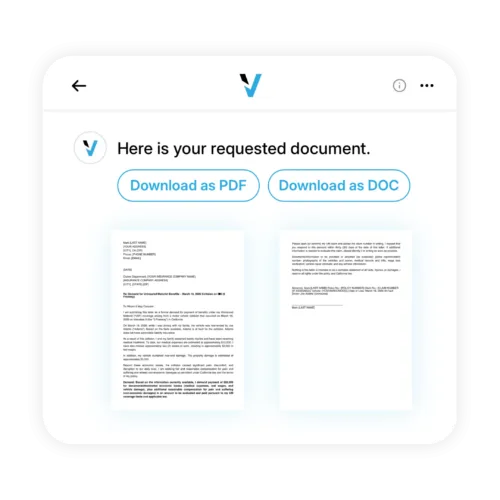
Demand letters, NDAs, contracts, policies, cease-and-desists, and more, generated in seconds, tailored to your state and situation, exportable in professional formats.
What-if analysis, risk assessments, and structured response planning for matters that need more than a quick answer.
Use voice or text, whichever is natural. Dictate a question on your commute, type a detailed scenario at your desk. The same underlying engine handles both.
30+ languages, via voice or text. Ask in Spanish and get the answer in Spanish. Upload a document in English and ask questions about it in Mandarin. Language flexibility is built in.
Web, iOS, Android. Start on one device, continue on another. Conversations and documents sync automatically.
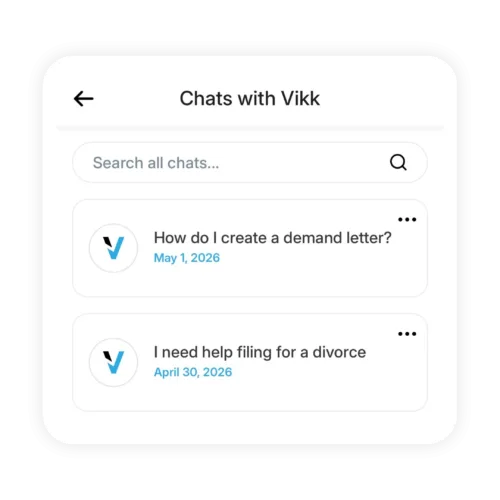
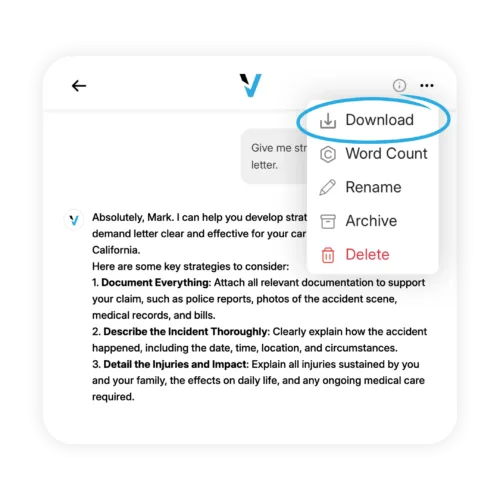
Every conversation is saved in a searchable archive. Resume past matters. Export full transcripts or generated documents in professional formats whenever you need.
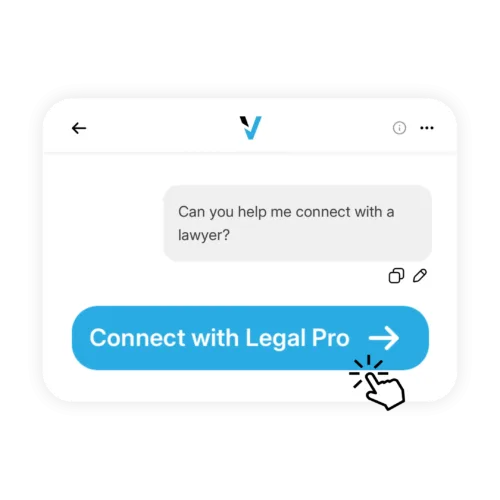
A one-tap handoff to a verified attorney in your state, when a matter genuinely requires one, with your conversation history already organized.
Encryption in transit and at rest. No training on user content. No data sales. No third-party sharing. User-controlled deletion.
Business and Enterprise Features

Centralized Admin Console and Team Management
Manage user seats, permissions, role-based access, and billing from a single console. Add and remove team members as your organization evolves.

Shared Workspaces and Collaborative Document Libraries
Teams share document templates, conversation history, and generated materials. HR, Legal, and Operations all use the same approved language.

Custom Business Integrations
API access plus native integrations with Slack, Teams, Google Workspace, Microsoft 365, and common HRIS, CRM, and DMS systems.

Single Sign-On and Advanced Security
SAML 2.0 SSO, SCIM provisioning, MFA, SOC 2 posture, audit logging, and custom data retention policies for enterprise environments.

Practice Area Support and Guidance
Pre-configured and customizable guidance across employment, contracts, commercial real estate, IP, regulatory, and other practice areas relevant to your industry.
How to Think About Which Features Matter for You
Every user uses the AI Legal Assistant and state-specific guidance, since they are the core of the product. The features you lean on most depend on what you do:
AI Legal Assistant, document upload for leases and contracts, document generation for demand letters, multilingual support.
document upload for client contracts, automated NDA and contractor agreement generation, Strategy Mode for negotiation planning.
document upload for vendor contracts, document generation for operational legal needs, conversation history for ongoing matters, Business PRO team features as the business grows.
admin console, SSO, SOC 2 posture, audit logging, custom integrations, API access.
document analysis at volume, first-draft generation, client intake workflows, custom practice areas, enterprise deployment.
Frequently Asked Questions
-
Do I need to enable features or are they on by default?
All core features are on by default for every plan. Business and Enterprise features (admin console, SSO, API) are enabled based on plan level and activated during onboarding.
-
Which features are available on the free plan?
The AI Legal Assistant, state-specific guidance, document upload and analysis, document generation, multilingual support, talk or type, conversation history, and export are all available on the free plan. Connect With a Legal Pro is available on Premium and above. Team features require Business plans.
-
Can I turn off features I do not want?
Admin users on Business and Enterprise plans can disable specific features for their organization if needed. Individual users can simply ignore features they do not use.
-
Are features rolled out the same way on web and mobile?
Feature parity across web, iOS, and Android is a core design principle. New features typically ship on all platforms simultaneously. Voice features are most natural on mobile.
-
How often do new features ship?
Vikk AI ships feature updates on a continuous basis, with user-facing changes communicated through in-product notifications and the Vikk AI changelog.
-
Is there a developer API?
Yes, available on Business Premium and Enterprise plans. Full API documentation is available in the developer portal.
Explore the feature set that makes Vikk AI a full legal operating system. Start free.
Are you a Lawyer? Connect with our Users!