Vikk AI Features, and How They Help in West Virginia
Every West Virginia user relies on the same two things: the assistant and the jurisdiction filter. Which of the remaining features you lean on depends entirely on what you are dealing with, so this page maps each to the situations that recur here.
Learn More








Core Features, and What Each Does in West Virginia
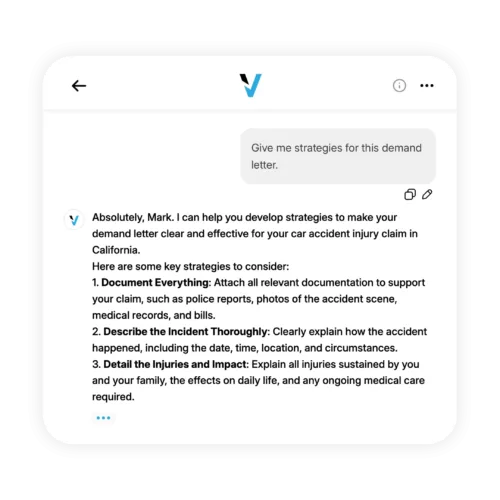
Conversational legal help across every major United States practice area. Ask in plain English and get answers that explain the authority they rest on so you can verify them.
Every answer, document, and assessment is filtered through your state before anything else. The same question produces different guidance in different states because the underlying law is different.
In West Virginia
West Virginia instruments are frequently perpetual and broadly assignable, and mountainous geography makes in-person help costly in time. Omission detection and cross-platform access matter most.
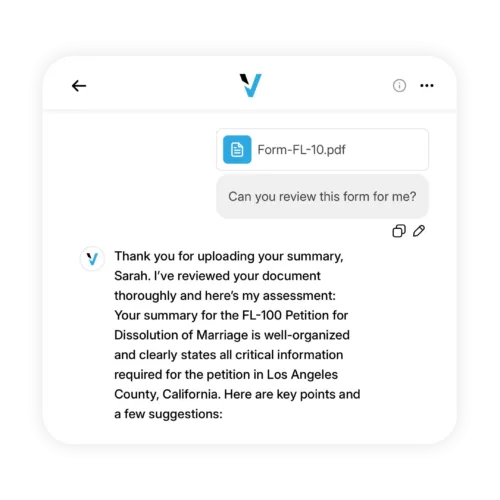
PDFs, DOCX files, or pasted text up to 300,000 words. Clause-by-clause review, risks flagged, missing protections identified, negotiation language drafted.
In West Virginia
Right-of-way and surface use offers, turnaround contracts with site access and safety requirements, itemized hospital bills with financial assistance policies, and mineral documents.
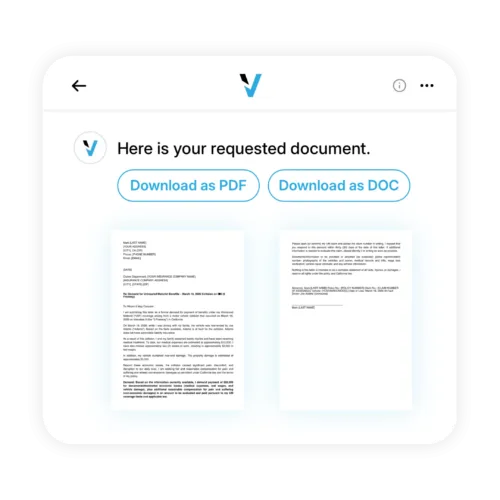
Demand letters, NDAs, contracts, policies, and cease-and-desists generated in seconds, tailored to your state and situation, exportable in professional formats.
In West Virginia
Additions covering depth, restoration, line limits, and assignment restrictions; access-conditioned schedules with standby rates; and assistance applications with billing disputes attached.
What-if analysis, risk assessment, and structured response planning for matters that need a plan rather than a fact.
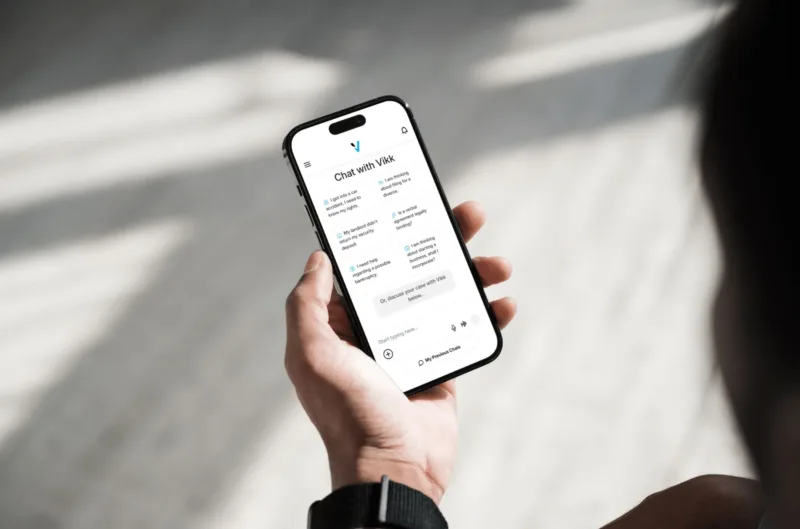
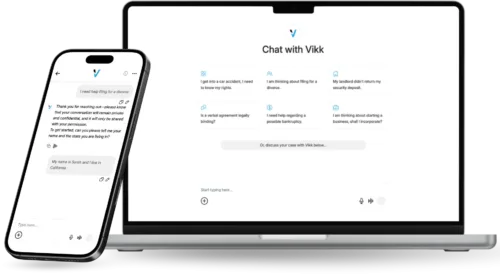
Voice or text, whichever is natural. More than thirty languages, and you can ask in one and receive the answer in another. Web, iOS, and Android with full feature parity and automatic sync.
In West Virginia
Analysis from a phone anywhere in the state removes a long drive over difficult terrain from the calculation.
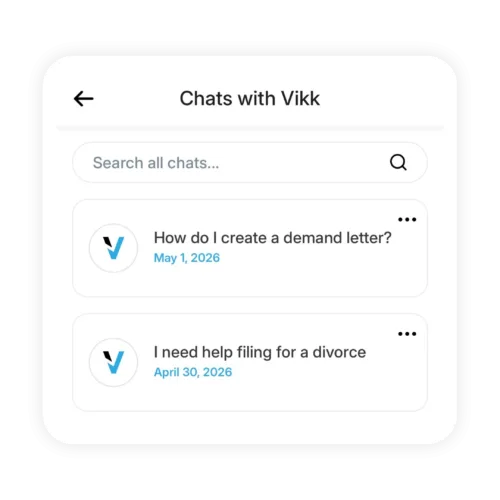
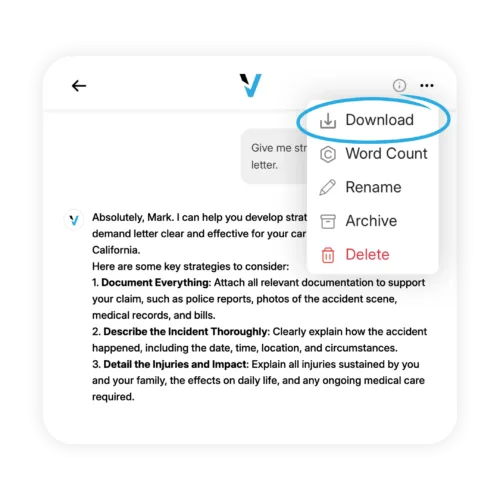
Every conversation saved in a searchable archive. Resume a matter weeks later with the documents still in context, and export transcripts or generated documents whenever you need them.
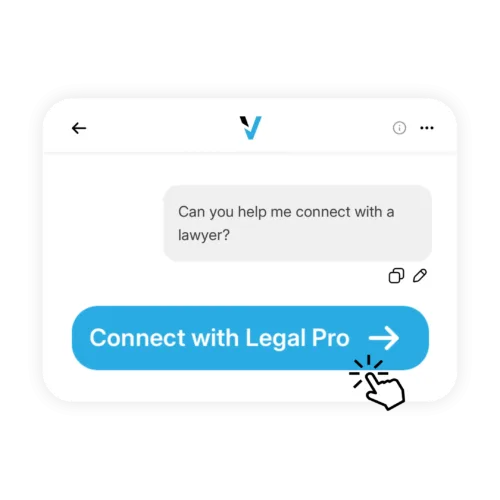
A one-tap handoff to a verified attorney in your state, with your conversation history and documents already organized. Available on Vikk Premium and above.
In West Virginia
Black lung and occupational disease claims, mineral title disputes, and matters already before a court require counsel.
Encryption in transit and at rest, no training on user content, no data sales, no third-party sharing, and user-controlled deletion. Identical on every plan including the free tier.
Across all of it, the practice areas that account for most West Virginia activity are property, land, and real estate, employment and workplace questions, and landlord and tenant matters, and every feature above operates inside all three.

Business and Enterprise Features
Business and Enterprise plans add a centralized admin console with seat, permission, and billing management; shared workspaces and collaborative document libraries so human resources, legal, and operations work from the same approved language; API access plus integrations with Slack, Teams, Google Workspace, Microsoft 365, and common HRIS, CRM, and DMS systems; SAML 2.0 single sign-on with SCIM provisioning, multi-factor authentication, audit logging, and custom data retention; and pre-configured practice area guidance that can be customized to your industry. None of that varies by state, which is why it is summarized here rather than expanded.
Which Features You Will Actually Use
Everyone uses the assistant and the jurisdiction filter. Beyond those, it depends on what you do.
Assistant, document upload for leases and contracts, generation for demand letters, multilingual support.
Upload for client contracts, NDA and contractor agreement generation, Strategy Mode for negotiation planning.
Upload for vendor contracts, generation for operational needs, conversation history for ongoing matters, team features as you grow.
Admin console, single sign-on, audit logging, custom integrations, API access.
Document analysis at volume, first-draft generation, client intake workflows, custom practice areas.

West Virginia Frequently Asked Questions
Can it review a right-of-way before I sign?
Yes, and it is the only review that will matter. These instruments are frequently perpetual and assignable, so what you add before signing is the only protection that exists twenty years later.
Do I need to turn features on?
All core features are on by default on every plan, including the free tier. Business and Enterprise features are enabled by plan level and activated during onboarding. Admins on those plans can disable specific features for their organization.
Which features are on the free plan?
The assistant, state-specific guidance, document upload and analysis, document generation, multilingual support, talk or type, conversation history, and export. Connect With a Legal Pro requires Premium or above. Team features require a Business plan.
Is it the same on mobile as on web?
Feature parity across web, iOS, and Android is a design principle and new features generally ship on all platforms at once. Voice input is the one capability that is simply more natural on a phone.
Frequently Asked Questions
Try the full core feature set on a real West Virginia question. No credit card required.
Are you a Lawyer? Connect with our Users!